Case study. Live
CLACOROO: what publishing a desktop app really involves
Writing a program that runs on your own computer is the short part. Getting it onto three different operating systems, so that it installs without alarming anyone and keeps itself up to date, is the work we had underestimated ourselves. CLACOROO is the product we did all of it on.
Written by Maximilian Giurastante. .
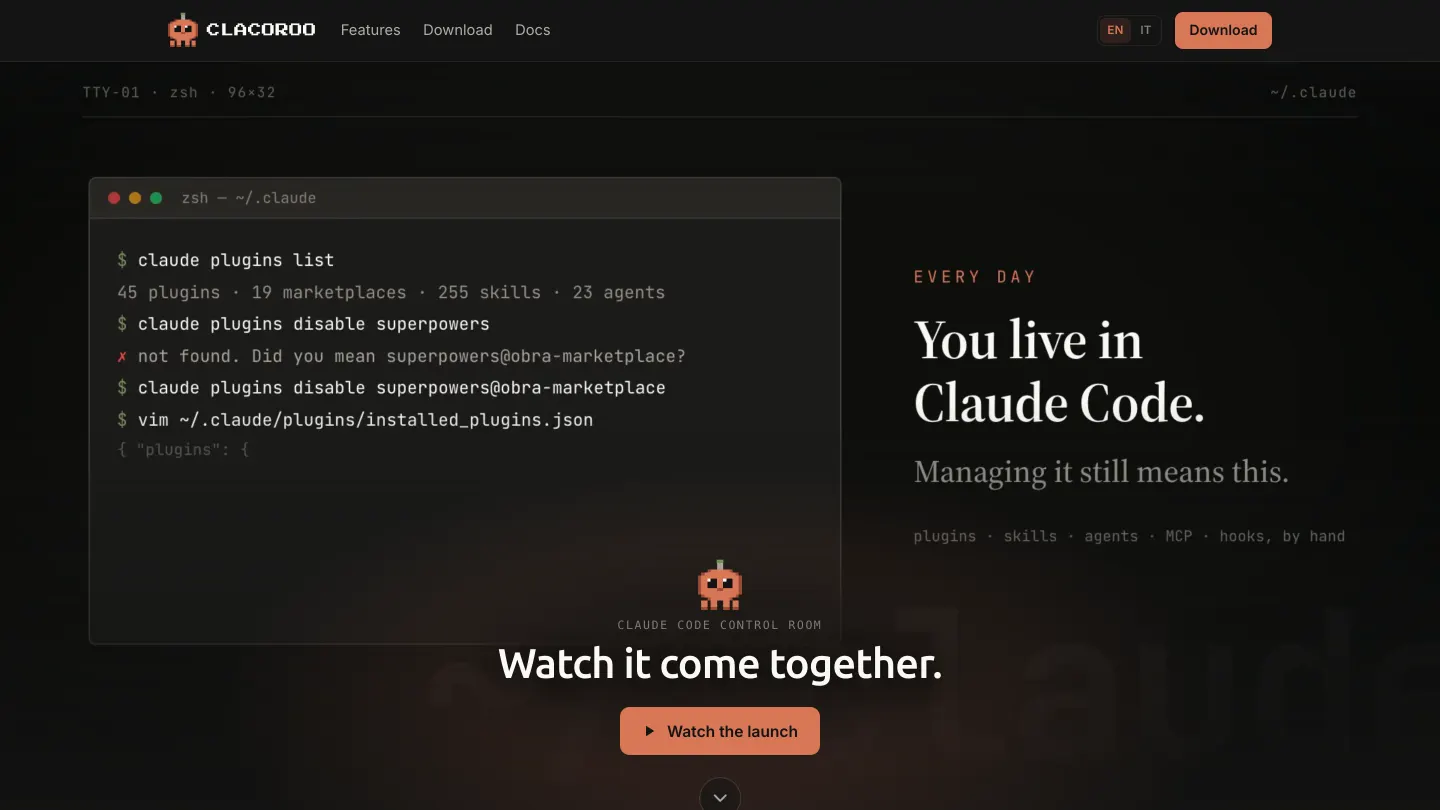
CLACOROO is an open source desktop application from MAXYMIZE that gives a graphical interface to the Claude Code configuration: plugins, skills, agents, MCP servers, hooks and settings, which otherwise are managed from the command line and by editing configuration files by hand. It is free, distributed for macOS, Windows and Linux under the AGPL license.
Project summary
- What it is
- A MAXYMIZE product of our own, free and open source
- Who it is for
- Developers and teams who use Claude Code every day and want to see and change the configuration without commands
- Systems supported
- macOS, Windows and Linux, with the package formats typical of each one
- License
- AGPL: anyone who modifies and distributes it has to publish the code, even when offering it as a service
- Installation
- Downloadable from the site and, on macOS, installable from a package manager as well
- Launch
- May 2026
- Status
- Publicly distributed as an open beta, updated often
- Around it
- Site and documentation in Italian and English; technical detail on the product page
The problem: a powerful configuration nobody can see
AI assisted development tools are configured through files scattered across hidden folders and commands you have to remember. It works perfectly well for the people who wrote them. For everyone else it means not knowing what is installed, what is active, and why one session behaves one way instead of another.
CLACOROO came out of a daily irritation: managing plugins, skills, agents, servers and settings meant keeping commands in your head and opening configuration files by hand, without ever getting an overall view. A panel that shows the real state and lets you change it safely is one of those things you cannot give up once you have seen it.
The rule that shaped the product
The application does not own the configuration: it shows it and edits it, but the truth stays in the real files, the ones the tool actually reads. Anyone can keep using the command line alongside it without the two drifting apart. That is the difference between a control panel and a container that takes over somebody else's data.
The part nobody budgets for: getting it to people
A desktop application is not published the way a website is. Every operating system has its own package formats, its own security rules and its own warnings when a program is not recognized. This is the work that separates a prototype that runs from a product somebody actually installs.
What each system needs
Three columns. macOS: a package for two processor types, developer identity and checking, installation from a package manager as well. Windows: an installer and a portable version, a system warning if the program is not recognized. Linux: three package formats for different distributions.
- macOS: Installer (and compressed archive), Identity and check (to avoid a block), Package manager (install from terminal). The most regulated of the three systems
- Windows: Setup program (with an uninstaller), Portable version (no install needed), System warning (if not recognized). A certificate cuts the warnings, but costs every year
- Linux: Universal format (runs almost anywhere), Native packages (two main families), No checking (but more formats to keep). More freedom, more packages to build for each release
Updates, and why they are not silent
CLACOROO checks whether a newer version exists and says so, but it does not install it on its own: silent updating calls for the highest level of signing on each system, at a cost that this stage of the product does not justify. It is a stated choice rather than a hidden gap, and it is the same reasoning we go through with a client deciding how much to put into the publishing chain.
Why open source, and what it involves
CLACOROO is free and its code is public under the AGPL license: anyone who modifies and distributes it has to publish their changes, even when offering it as a service over the network. It is not a concession, it is a choice with precise consequences in both directions.
- In favor: a tool that reads and writes the configuration of the person using it needs to be open to inspection. Nobody should have to take it on trust.
- In favor: public code is a verifiable proof of skill, which a sales sheet cannot give.
- Against: the license we chose makes it hard for anyone to turn the product into a closed service, and hard for us to change direction lightly.
- Against: a public product has to be maintained in public, with documentation, release notes and answers to the reports people send in.
Documentation is the part that weighs most and shows least: the site and the manual exist in Italian and in English, with around twenty pages per language, and they have to be updated at every release. In a product people install on their own, with no salespeople involved, those pages are part of the product.
Status and results
CLACOROO is publicly distributed and updated often. It is still declared an open beta, because across three operating systems and setups that differ a great deal, the real testing is done by the people who install it.
- 3
- operating systems with dedicated packages (macOS, Windows, Linux)
- 2
- languages for the site and the documentation (Italian and English)
- 4
- months from the first version to stable distribution (from May 2026)
- 0
- euros to use it (free, with public code)
What it teaches anyone weighing up a desktop application
People who ask for a desktop program usually have a good reason: working without a network, reaching local files, staying independent of an outside service. Those reasons are valid, and they carry a bill that has to go into the quote from the start.
- Publishing on each operating system is a chain in its own right: count it as work, not as the last step.
- Signing the program is not a cosmetic detail: without it the system warns the user, and many people stop right there.
- Automatic updates raise the bar further: deciding not to have them is legitimate, as long as it is a stated choice.
- A product people install on their own needs documentation from day one, in every language you offer it in.
- If the program touches files or configurations belonging to other tools, the golden rule is not to become their owner.
If you are weighing up a desktop tool for your team, the custom software development page describes how we work and how we work and what it costs gives the orders of magnitude. The technical decisions behind CLACOROO are on the product page.
Technologies used
Choices made for a program that runs on the computer of whoever uses it, touches real files and has to stay clear to anyone who wants to read its code.
Application
- Desktop program
- Interface without heavy frameworks
- Built-in terminal
Data
- No internal database
- Reads and writes the real configuration files
- Credentials in the system keychain
Distribution
- Packages for three systems
- Public releases
- Update notice
Around it
- Bilingual site
- A manual per language
- Public release notes
Frequently asked questions
What is CLACOROO?
A free, open source desktop application that gives a graphical interface to the Claude Code configuration: plugins, skills, agents, servers, hooks and settings, plus usage statistics and a built-in terminal. It is there to see and safely change things that otherwise have to be handled from the command line.
Is it really free?
Yes, and it is published under the AGPL license: the code can be read and modified, and anyone who distributes a modified version has to publish their changes. There is no paid version today.
Does it change my configuration files destructively?
No. The application treats the real files as the single source of truth and keeps what it does not recognize instead of overwriting it. You can carry on using the command line alongside it without the two ways drifting apart.
Why is there no silent automatic update?
Because it calls for the highest level of signing on each operating system, with yearly costs that this stage of the product does not justify. The application flags the new version and takes you to the download page. It is a stated choice, not an oversight.
Can you build a desktop tool for my team?
Yes. CLACOROO is the proof that we have gone through the whole path ourselves, from the first version to packages for three operating systems with documentation and release notes, on a product of our own. In a quote the publishing chain counts as work in its own right, and we say so up front instead of afterwards.
Written by Maximilian Giurastante
Founder and software developer, MAXYMIZE. Designs and builds SaaS platforms, custom business software and automations with language models. Over twenty years as a project leader in technology, audio and video systems integration.
Do you need a tool that runs on your team's computers?
Tell us what it should do and on which systems. In thirty minutes we work out whether you need a desktop program or a web application is enough, and what that means for time and cost.